
Grow your LinkedIn on autopilot
Built for marketers and founders. Automatically connect, post, like, and comment, so you build relationships and pipeline without living on LinkedIn.
- Unlimited LinkedIn accounts
- No LinkedIn password required
- Works with free LinkedIn accounts
- Set limits and safety controls
- Mimics human mouse, scroll and typing
- Own the source code. Share or resell it.
- One-click install
- Works while you focus elsewhere
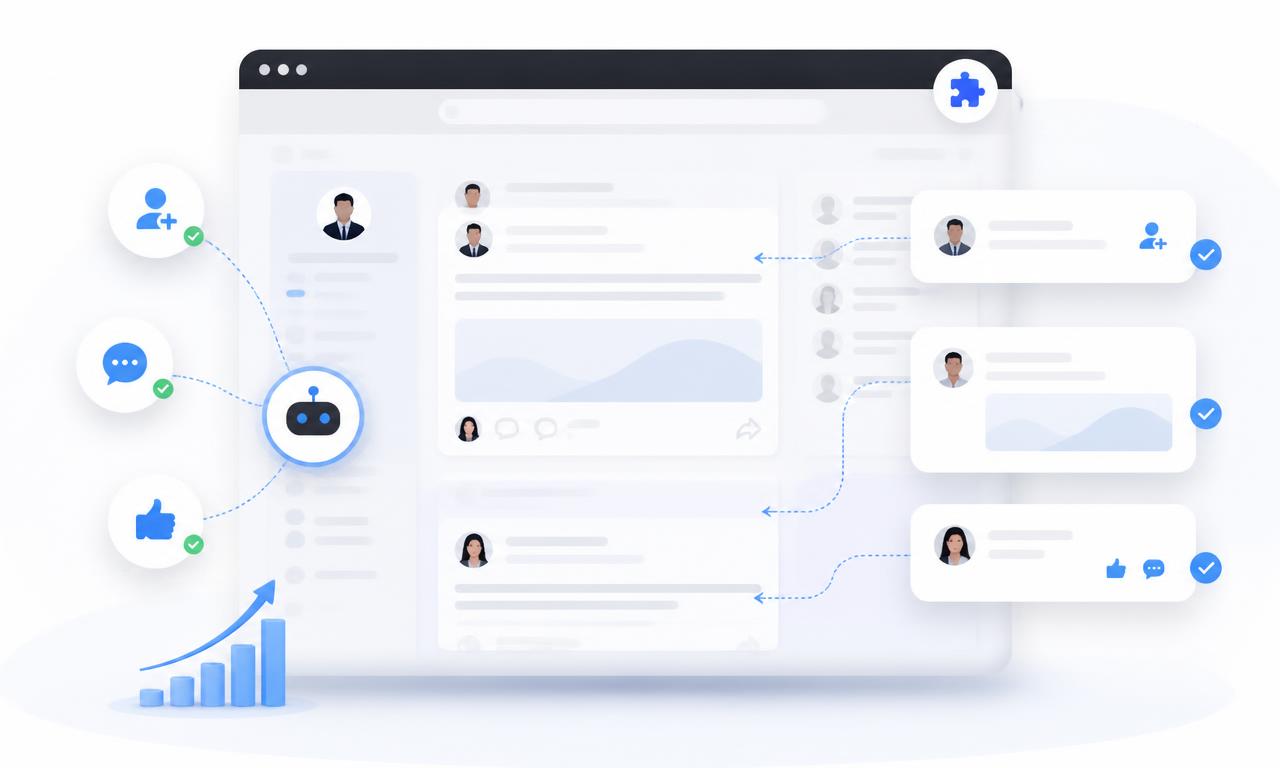
Everything you need to automate LinkedIn
Four powerful automations in one lightweight tool. Set your preferences once and let it run.
Auto-connect with people
Send connection requests to your target audience automatically. Filter by role, company, and location to build a relevant network fast.
Auto-write & publish posts
Generate and schedule LinkedIn posts that match your voice. Keep your profile active and visible without writing every day.
Auto-like posts
Engage with posts from prospects, partners, and industry leaders. Stay on their radar with consistent, human-like activity.
Auto-write comments
Leave thoughtful comments under relevant posts to start conversations. Turn cold outreach into warm leads over time.
One licence. Unlimited LinkedIn accounts. Unlimited growth.
Most LinkedIn automation tools charge you more every time you add a profile. LinkedGro does not. Pay $497 once and use LinkedGro for life across every account you own, manage, or run for clients. And the licence is total: when you buy, you own the source code outright. Give it to as many people as you want, or sell it yourself.
Unlimited LinkedIn accounts
One LinkedGro licence covers every personal, company, or client LinkedIn account you manage. No cap. No counting profiles.
Unlimited campaigns
Run separate connection, posting, liking, and comment campaigns for each account at the same time. Scale without friction.
No per-account fees
Other tools bill you per seat. We do not. Pay once and unlock every account LinkedGro will ever run on for life.
Built for agencies
Manage growth for clients, partners, or multiple brands from one dashboard. One tool. One invoice. Unlimited output.
Whether you run one LinkedIn profile or one hundred, the price stays the same.
No seat limits. No hidden upgrades. No surprises.
LinkedIn sees a person. Not a robot.
LinkedGro does not fire actions at your account like a machine. It moves the mouse, scrolls the feed, and types the way a real human does, so your account keeps behaving like the one LinkedIn already trusts.
Mouse movement that wanders
The cursor travels in curves, eases as it nears a button, overshoots now and then, and corrects itself. It never teleports across the page or lands dead centre on every click.
Scrolling at reading speed
Feeds scroll the way a person actually reads: short bursts, quick flicks, real pauses, and the occasional scroll back up to look at a line again.
Keyboard input, one key at a time
Posts and comments are typed character by character at uneven speed, with thinking pauses and the odd backspace. Exactly like you typing at your own desk.
Timing nobody can predict
Randomised delays, jittered session starts, and daily caps you control. No two sessions ever run the same way, so there is no rhythm for LinkedIn to spot.
- 09:14:02Cursor moved 312px along an eased path
- 09:14:07Feed scrolled 480px at reading pace
- 09:14:19Dwelled 11.4s on a post, then scrolled back up
- 09:14:31Typed a comment: 143 characters, 6 backspaces
- 09:14:52Randomised pause of 22s before the next action
- 09:15:14Connection request sent, daily cap respected
Your LinkedIn account is the asset. Protect it first.
One careless automation can cost you a profile you spent years building. LinkedGro is engineered the other way round: every action is dressed in natural behaviour before it touches the page, then held inside limits you control.
- Human-like mouse, scroll, and keyboard behaviour on every single action
- Daily caps you set yourself, so nothing ever runs away from you
- Randomised gaps between actions instead of a fixed, detectable rhythm
- Your LinkedIn password is never requested, touched, or stored
Recommended daily settings
Set these in LinkedGroThat is what we recommend for posting. Enough to stay in front of your network every single day without burying your profile in the feed.
Keep comments at 20 a day or fewer on each account. Thoughtful notes beat volume, and it keeps your account behaving like a person, not a script.
Start lower on a brand new account and increase gradually as it ages. Every limit is yours to set.
Automate the work. Keep the fingerprints human.
Mouse scrolls, cursor movement, and keyboard input that look exactly like you, on every account, every day.
No Python. No Puppeteer. No AI flying your browser.
Most LinkedIn tools automate by remote-controlling a separate browser. LinkedGro does neither. It runs inside the browser you already use and works through the page itself, using the same structure your browser loads for you every time you open LinkedIn.
What LinkedGro refuses to use
No Python scripts or Selenium
Tools built on Selenium, Puppeteer, or Playwright launch a second, remote-controlled browser and drive it with a script. That kind of session carries automation fingerprints: a webdriver flag, a synthetic profile, and timing no human produces. LinkedIn's detection teams are built to spot it.
No AI piloting your screen
AI browser agents automate by taking screenshots and issuing clicks, usually through a cloud browser with a fresh identity each session. A visit like that is a robot using your account, and it reads like one to anyone reviewing the traffic.
No headless or hidden sessions
Headless browsers and virtual machines behave differently from the Chrome on your desk: different rendering, different event patterns, different resource use. LinkedGro never opens one.
No tooling signatures left behind
No remote debugging port, no outside runner injecting into your session, no logs of your activity leaving your machine. What happens in your Chrome stays in your Chrome.
How LinkedGro actually works
Reads the page through the DOM
The Document Object Model is the live structure Chrome builds for every page you open. LinkedGro works directly with that structure: it finds the post, the connect button, and the comment box, then acts on them the same way your browser does when you act on them.
Uses the browser's own events
Clicks, scrolls, and keystrokes are performed as the same events Chrome fires when you do them by hand. No synthetic driver layer sits between LinkedGro and your LinkedIn session.
Runs inside your own Chrome
There is no separate browser, no remote session, and no virtual machine. It is your Chrome, your profile, your logged-in LinkedIn. From the outside, it looks like what it is: you, working a little faster.
Straight talk: no automation is invisible. LinkedIn can still see how much activity happens on an account, which is why LinkedGro pairs this quiet architecture with human-like behaviour and daily caps you set. What it avoids is the tooling fingerprints that scream software: a second browser, a remote session, or an AI agent clicking through screenshots.
How it works
No complex setup. Get started in under two minutes.
Install LinkedGro
Download the ZIP, unzip it, and add it to Chrome.
Set your preferences
Choose which automations to enable, set daily limits, and define your target audience.
Let it run
Open LinkedIn and start LinkedGro. It works in the background while you run your business.

Built for Google Chrome
LinkedGro runs inside your browser while you are on LinkedIn. You need Google Chrome or any Chromium-based browser (Edge, Brave, Opera, Arc) to use it.
Get Google ChromeBuilt for founders and marketers who value time
LinkedIn is one of the highest-ROI channels for B2B growth. LinkedGro helps you stay consistent without turning it into a second job.
Reclaim 10+ hours every week
Replace manual LinkedIn busywork with automated, consistent activity.
Personalized at scale
Hyper-personalization that sounds like you, delivered to thousands of leads simultaneously.
Predictable pipeline
Turn LinkedIn into a consistent growth engine with transparent, actionable analytics.
Time Saved Comparison
94% more efficient
Average impact: Users report saving an entire work week every single month.
Loved by 40,000+ LinkedIn builders
Join founders, marketers, and sales pros who turned LinkedIn into their fastest growth channel.
My profile views went up 4x once I started liking consistently.
Setup took me ten minutes and I had leads in the inbox the same week.
It turned LinkedIn from a chore into my number one lead source.
Best money I have spent on my business this year, easily.
It fits in the gaps of my day instead of taking over my day.
Six months in and my network is up 280%. Still going.
I grew from 800 to 5,200 followers in six months with auto post.
My pipeline used to be feast or famine. Now it is steady.
The support team answered me on WhatsApp within ten minutes.
We went from 1,500 to 3,500 connections in three weeks and I did not hire anyone to do it.
Honestly, the WhatsApp support alone is worth the price.
I cut my LinkedIn busywork by about 75% in the first three weeks. I have not looked back.
Three speaking invitations came from posts this tool published for me.
The comment suggestions are genuinely good, not generic fluff.
My LinkedIn runs on autopilot and I spend the saved time on product.
The onboarding was so simple I had it running before my coffee went cold.
I used to dread posting. Now the calendar handles it and I just approve.
I have doubled my network in one quarter and my calendar shows it.
My agency uses it for client outreach and the results speak for themselves.
My acceptance rate held steady even as I scaled up volume.
My cost per lead dropped by more than half compared to paid ads.
The auto comment feature alone brought me five warm leads in under a month.
My engagement rate went from 1.2% to 4.8% in two months.
I stopped paying a VA $600 a month for work this does better.
My inbound messages jumped noticeably within eight weeks of switching it on.
I closed two retainers this month that started as automated connections.
I went from posting whenever I remembered to daily presence without writing every post.
Two clients signed this month and both came from automated comments.
The daily cap keeps my account safe while I still grow fast. Perfect balance.
I get to be picky about clients because there are always leads coming.
It handles the follow ups I always forgot to send.
It is the closest thing to a full time SDR I can afford.
My newsletter signups tripled once my posting became consistent.
It quietly does the boring 80% so I can focus on real conversations.
My posts finally get comments because I engage with others first.
I have recommended it to every founder in my mastermind group.
My sales team hit quota two months in a row since we rolled it out.
The install took two minutes and I understood everything straight away.
My team of four all use it and our pipeline has never been fuller.
Three demos booked in my first fortnight. That paid for it many times over.
I tested three tools and stayed with this one because it is simple.
It gave a non technical founder like me a real growth channel.
It gave me back my mornings. That alone is worth it.
I went from 12 profile views a week to over 300.
I finally have a repeatable outreach system instead of random bursts of effort.
I closed a $10k deal that started with an auto comment on a prospect's post.
My reply quality improved because I only talk to warm people now.
I stay top of mind with 50 prospects every single week now, and it takes me minutes.
I recovered the cost in the first week from one closed deal.
My first automated campaign produced nine booked calls.
I check my inbox in the morning and there are already conversations waiting.
I have never had a restriction or warning on my account using it.
I like that I control the limits. Nothing runs away from me.
I landed my biggest client from a connection request LinkedGro sent.
I have zero regrets. I only wish I had started a year earlier.
I got 62 new qualified connections last week without touching my keyboard.
I run outreach for three brands from one browser now.
I no longer need to block out an hour a day for LinkedIn.
I got 4,000 impressions on a post I never sat down to write.
I run it in the background while I work and forget it exists.
Two enterprise conversations started from comments the tool left for me.
The reporting shows me exactly what is working, so I stopped guessing.
I am not a writer, so having posts drafted and scheduled changed everything.
The pacing controls made me comfortable enough to leave it running daily.
I trialled it for a week and bought the lifetime licence on day six.
It saved my assistant five hours a week on LinkedIn engagement alone.
Four inbound demo requests in one week, and I did nothing that day.
My reply rate doubled because I engage before I ever send a request.
I built a 3,000 person network in four months using auto connect.
I booked five calls from cold outreach in my first week of auto connect.
It keeps me visible even during weeks when I am heads down building.
It scaled my personal brand without me hiring a content person.
The templates saved me hours of writing and they convert better than mine.
I got two partnership deals from people who saw my automated comments.
I get more replies now than when I was doing everything by hand.
The templates helped me send connection requests that people actually accept.
I have three clients now who found me because I showed up daily.
I have closed £24k in new business traceable to this tool.
It helped me build authority in my niche faster than anything else.
My connection requests read like I wrote them, because I did once.
I do outreach in five minutes a day now instead of two hours.
It feels human. Nobody has ever asked me if I use automation.
The safety limits are the reason I trust this with my main account.
I get a steady five to ten inbound messages a week now.
My founder brand grew more in 90 days than in the previous two years.
It is the highest ROI tool in my marketing stack this year, no contest.
I finally stopped living inside LinkedIn and started closing bigger deals instead.
My acceptance rate went from 18% to 41% after I switched to their templates.
I stopped chasing and started getting chased. Big shift for me.
It replaced roughly eight hours a week of manual engagement for me.
It made me consistent, and consistency is what actually grew my business.
It made LinkedIn feel manageable again instead of a second job.
I love that it runs right in my browser. Nothing sketchy ever touches my account.
Twelve discovery calls last month, all sourced through LinkedGro.
I run 200 profiles through it every week and still sleep fine at night.
My content views tripled once auto post kept me on a consistent schedule.
I have gone from unknown to recognised in my niche in one quarter.
I have tried the expensive cloud tools. This is safer and cheaper.
Ninety percent of my new pipeline this quarter came through this tool.
It is the first automation tool I have used that has not felt spammy.
How to install LinkedGro
No technical skills needed. Follow these eight steps and you will be running on autopilot today.
- 1
Buy your licence
Pay $497 once for lifetime access. One licence covers unlimited LinkedIn accounts.
- 2
Create your account
Sign up with email or Google using the same address you paid with.
- 3
Download the ZIP
Open your download dashboard and save linked-auto-poster.zip to your computer.
- 4
Unzip the folder
Right click the file and choose Extract All so you have a normal folder, not a ZIP.
- 5
Open chrome://extensions
Paste chrome://extensions into your Chrome address bar and press Enter.
- 6
Turn on Developer mode
Flip the Developer mode switch in the top right corner of that page.
- 7
Click Load unpacked
Select the unzipped folder. The LinkedGro icon appears in your Chrome toolbar.
- 8
Open LinkedIn and switch it on
Pin the icon, log in to LinkedIn, then enable the automations you want and set your daily limits.
Frequently asked questions
Quick answers to the most common questions.
Ready to automate your LinkedIn growth?
Get it now and start building your network on autopilot. Questions? Message us on WhatsApp.